Lesson-linked video
Video availability can be surfaced from the local curriculum database and opened through signed playback links from the API as one support artifact alongside exports and generated materials.
LessonGrid is designed around a clear bridge from curriculum browsing to planning to standards visibility to classroom-ready support.
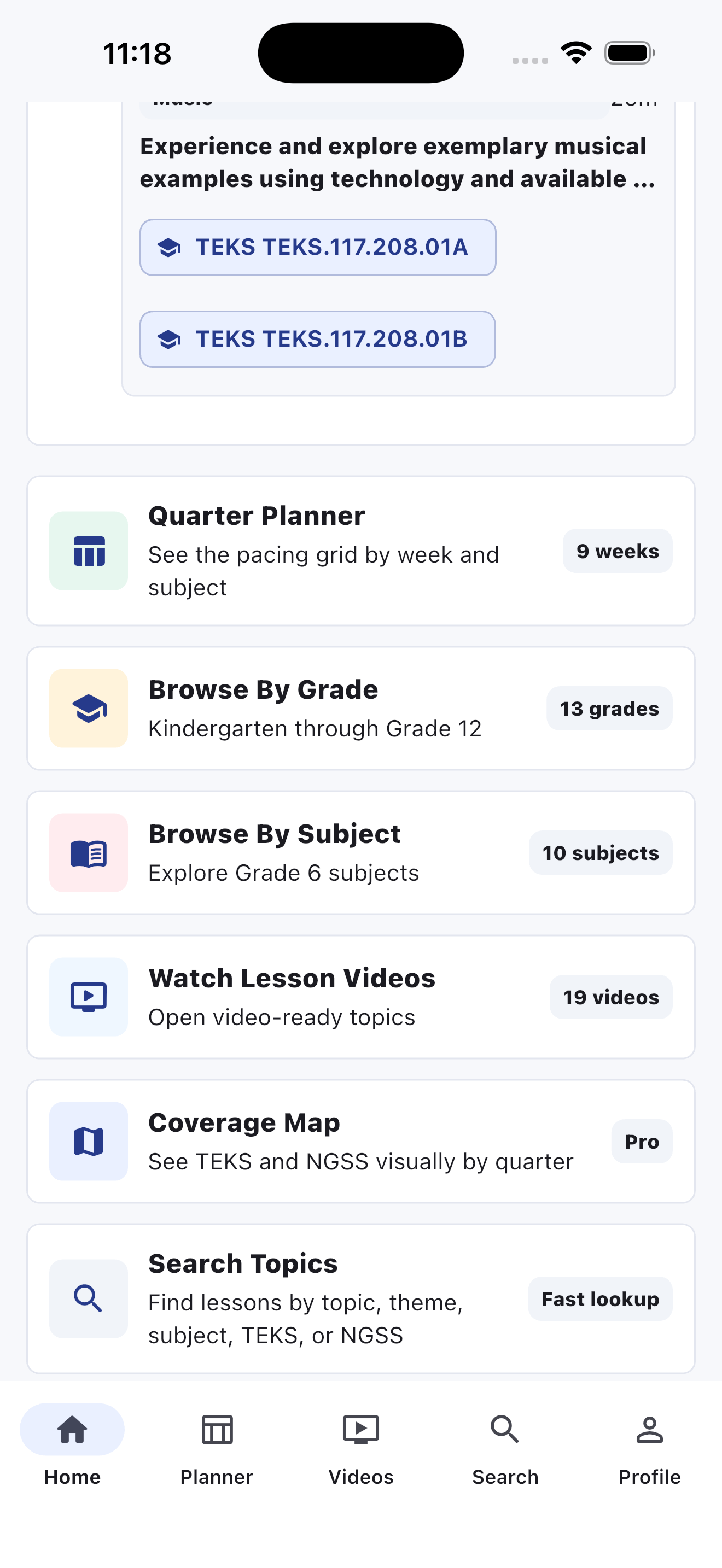
The dashboard is built to answer a simple question fast: what is this learner teaching this week, this quarter, and what should come next in the planning flow?
Teachers should understand the week at a glance. LessonGrid uses a visual weekly surface that makes room for standards, lesson progression, and the next support step instead of burying everything in lists.
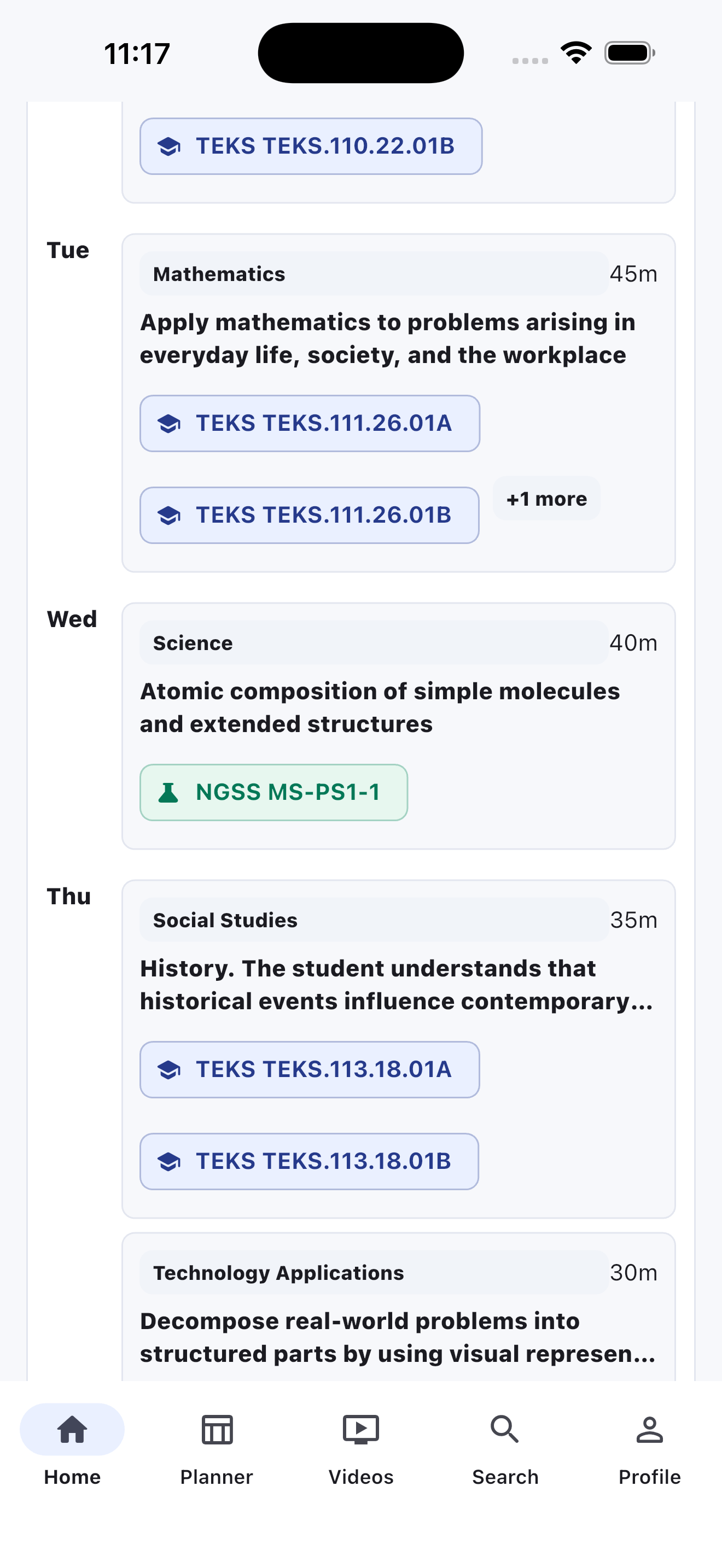
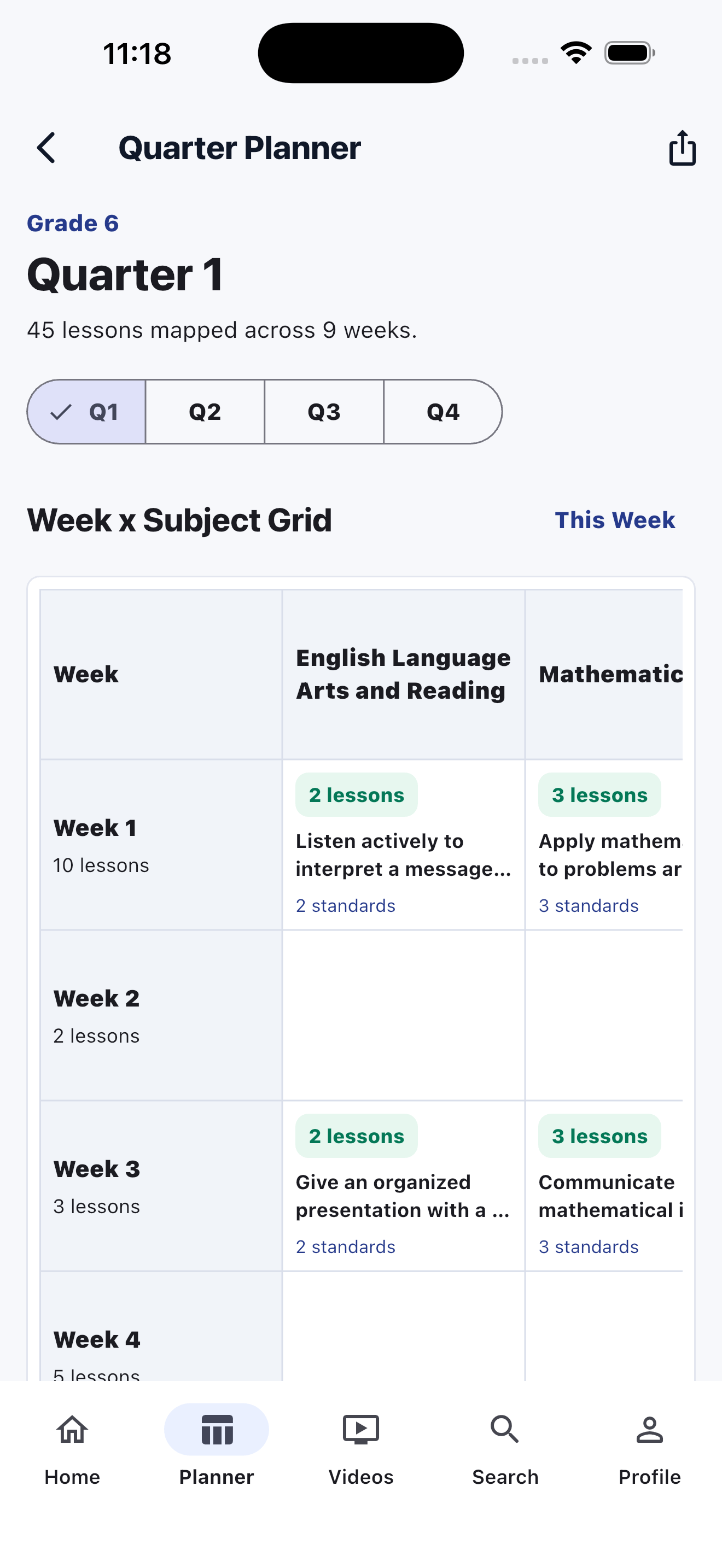
Standards stay visible near the lesson and remain connected to quarter pacing. That makes it easier to explain what is covered, what comes next, and which support artifacts need to stay aligned.
A teacher can open a lesson and continue naturally into practical support: generated class materials, secure video, PDF export, and parent or student sharing.
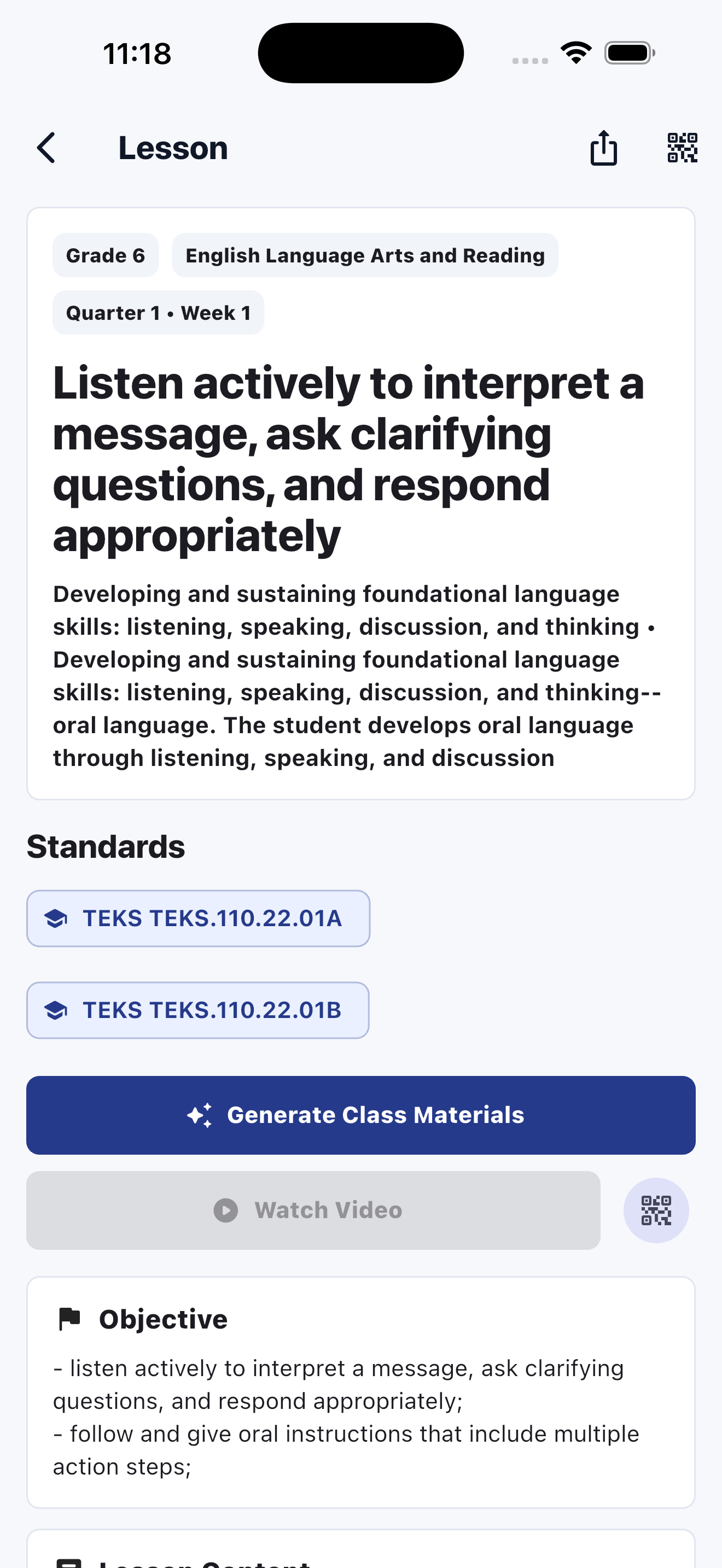
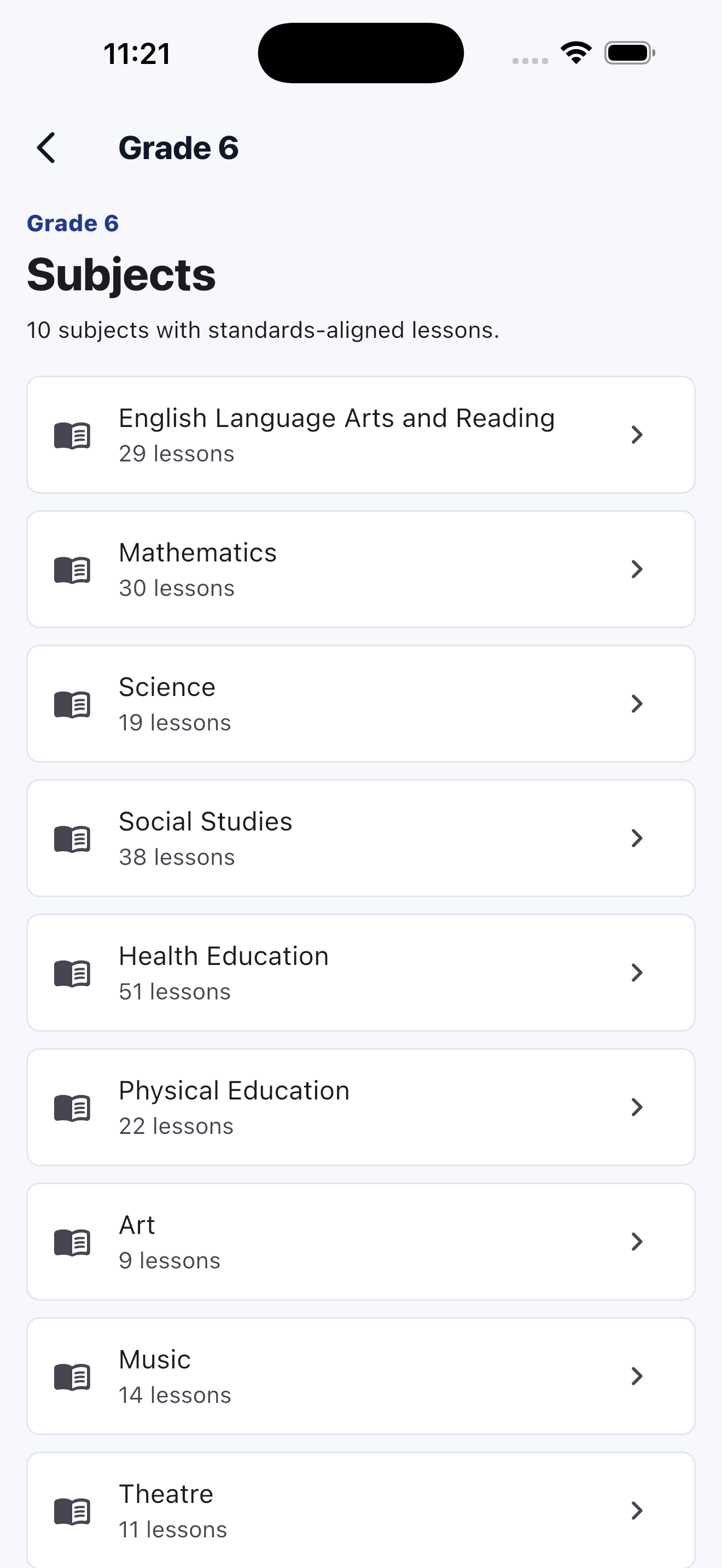
LessonGrid is not only for returning users. It gives teachers a clear path from grade to subject to lesson, so the product can earn trust before asking for too much commitment.
Video availability can be surfaced from the local curriculum database and opened through signed playback links from the API as one support artifact alongside exports and generated materials.
Teachers can generate share links and QR codes so parents and students open the lesson inside LessonGrid instead of receiving a public file dump.
Weekly plans, quarter plans, lesson plans, and coverage views all behave like practical outputs of the planning workflow.
The app keeps first-run friction low and asks for identity only when sync, secure sharing, or exports require it.